Forgot Password
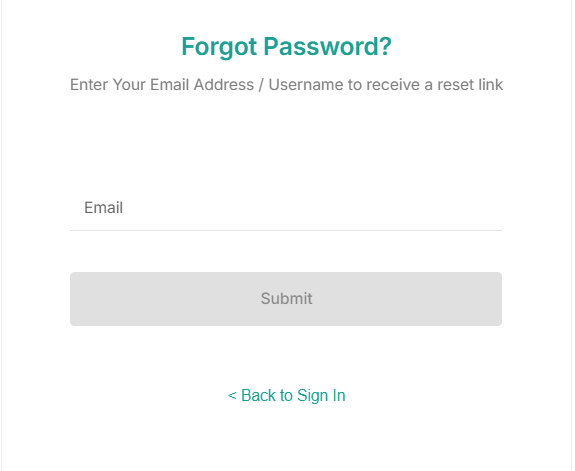
- If you already registered, but forgot your password, click Forgot Password.
- In the Email field, enter your registered email address and click Submit. Click Back to Sign In to go back to the login page.
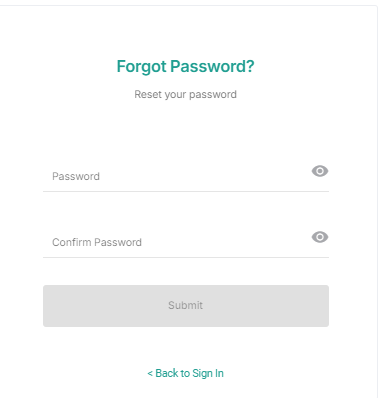
Note: A link is sent to the email address entered. Click the link to change your password. - Enter the new password in the Password field and Confirm Password field.
- Click the View icon to view your new password. Click Submit to reset the password successfully.
- Click Back to Sign In to exit the reset password page.
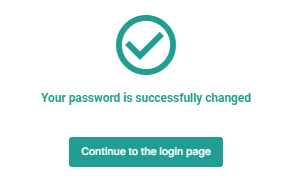
Note: Once you change your password. click Continue to login page to log in to the application. - On the Login page, enter the Email Address and the Password to login to the application.